Convert MSG to PDF without Outlook
Turn an Outlook .msg file into a PDF — the header lines, the text and its attached files together in one document — on a Mac or a phone that has never had Outlook. The .msg is read on your device and never uploaded.
No archive at hand? — 12 messages, 5 attachments, all invented. What is in it
Drop the .msg file — or a whole folder of them; they open as one list.
Open the message and press ↓ .pdf beside its subject.
The PDF holds the header lines and text, with the attached files embedded.
For many .msg files: Pro exports them all as a ZIP of PDFs.
What the conversion controls look like
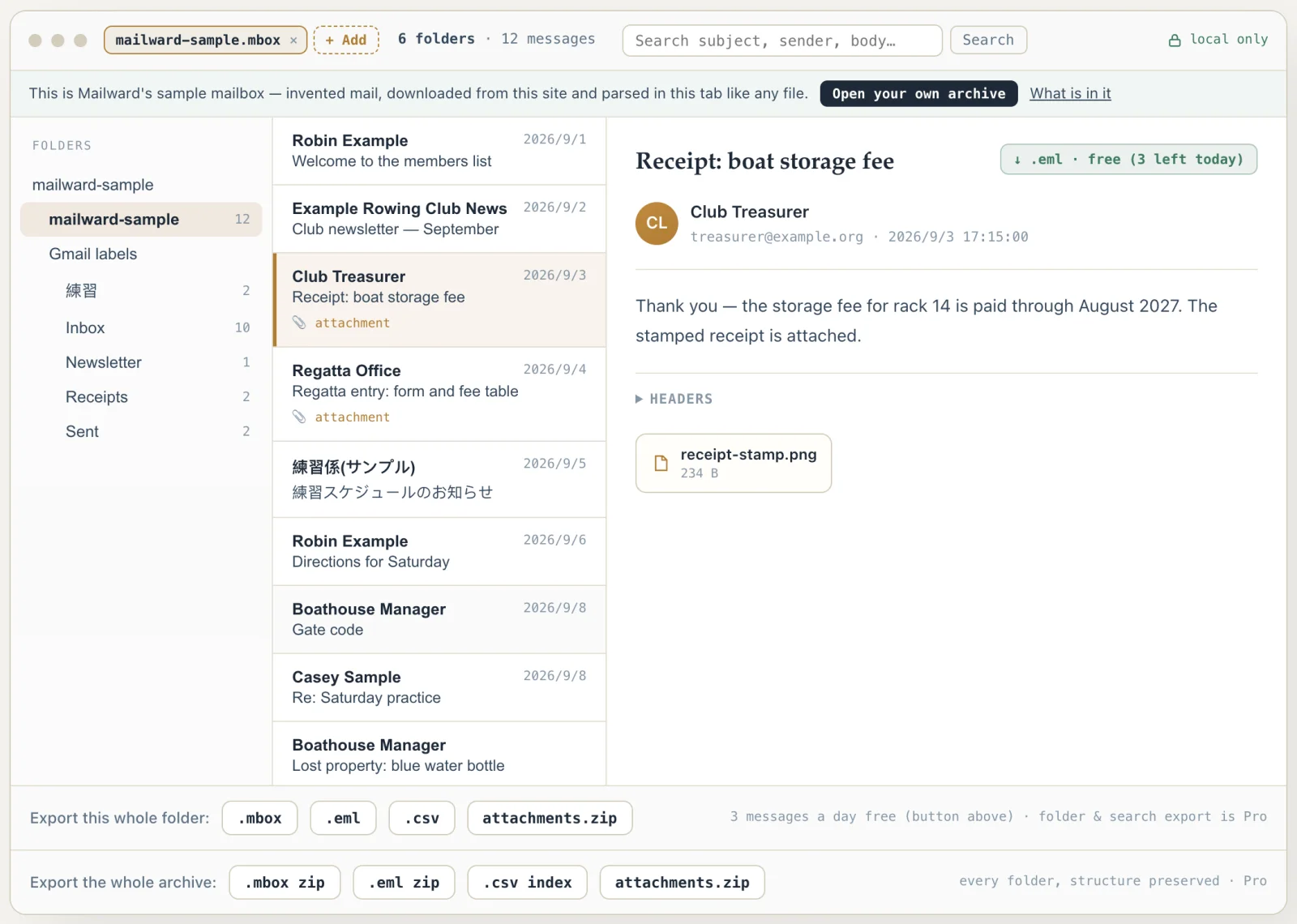
Unretouched screenshots of this site in Chrome 155 on macOS 27, 26 October 2026, with the public sample mailbox open — invented mail you can open here yourself and compare against the list of what it contains. The mailbox in the picture is an .mbox, not a PST or OLM: we have no way to publish one of those without someone's real mail in it. The workspace and the export rows are the same for every format.
Convert MSG to PDF without Outlook
A .msg arrives as an attachment, from a colleague's "Save As", or out of a records export, and the person who needs it rarely has Outlook — or has Outlook and finds its PDF printout leaves the attachments behind. Mailward reads the .msg in your browser and writes a PDF with the message's header lines and text, and the attached files embedded in the PDF.
Three messages a day are free, as .eml or PDF; select many .msg files at once and a Pro license writes them all out as a ZIP of PDFs.
Inside a .msg, and how it becomes a PDF
A .msg is not text. It is a Compound File Binary document — the container format of old Word and Excel files, beginning with the bytes D0 CF 11 E0 — holding one Outlook item as a tree of storages and streams: one stream per MAPI property, a storage per recipient, a storage per attachment. Reading it means following the file's sector chains to each property, and Mailward walks those chains with a bounded visit count first, so a damaged or hostile file with a looping chain is refused instead of hanging the tab.
The header lines come from two possible places. Mail that was received usually keeps its original transport header block in a property of its own, and then the PDF's To, Cc and Date lines are the ones the message actually travelled with. A message saved from Sent Items normally has none, so they are rebuilt — recipients from the recipient storages with their SMTP addresses, the date from the client submit time — which is also what the .eml export writes for the same message. Older .msg files store text in the writing computer's ANSI code page rather than Unicode; Western (1252) and Japanese (932) files are decoded to the right characters before anything is printed.
Attachments are the reason most people come looking. Each one is its own storage inside the .msg with its file name and data; Mailward reads the bytes and writes them into the PDF as embedded files, exactly as the .msg holds them, so they are still there when the PDF is forwarded, filed or uploaded somewhere that does not accept .msg.
Opening a folder of .msg files is free and merges them into one searchable list; three messages a day can be saved as PDF or .eml without paying; a Pro license exports the whole list as a ZIP of PDFs. The .msg itself is only ever read.
- Container
- Compound File Binary (CFBF), signature D0 CF 11 E0
- Header lines
- The stored transport headers when kept, rebuilt from properties otherwise
- Code pages
- Unicode, and ANSI files such as Windows-1252 and 932 (Japanese) decoded
- Attachments
- Embedded in the PDF, byte for byte as the .msg holds them
- Damaged files
- Looping sector chains refused before parsing, never hang the tab
- Opens on
- Mac, Windows, Linux, Chromebook, Android, iPhone — no Outlook
- Batch
- Many .msg files merge into one list; Pro exports them as a ZIP of PDFs
Comparing formats? PST, OST, OLM, MBOX & EML explained — what each one is internally, and what is lost converting between them.
Converting this file
Q. Why does Outlook's Print to PDF leave out the attachments?
Because Outlook prints attachments as separate print jobs, not into the message's document: the Print options' "Print attached files" setting notes that attachments print to the default printer only. Choosing Microsoft Print to PDF therefore gives you the message alone. Mailward writes the attachments into the PDF itself as embedded files, so the message and its files stay in one document.
Q. Can I convert a .msg file to PDF on a Mac?
Yes. A .msg is a Windows Outlook file that Apple Mail and Outlook for Mac do not open directly; this page reads it in Safari, Chrome or Firefox on the Mac and writes the PDF there. Nothing has to be installed and nothing is uploaded.
Q. How do I convert many .msg files to PDF at once?
Drop them all — or the folder that holds them — onto the page; they merge into one list. Saving PDFs one at a time is free for three messages a day. With a Pro license, the folder export writes one PDF per message into a ZIP, named after each subject.
Q. Are To, Cc and the date taken from the .msg?
Yes. When the .msg kept the message's original header block — usual for received mail — the PDF prints its To, Cc and Date lines. When it did not (often the case for a message saved from Sent Items), they are rebuilt from the recipients and the submit time the file stores, the same way the .eml export rebuilds them.
Free viewing, search, and 3 single-message exports a day. MBOX reading is free through the first 500 MB; listing and search cover the whole file. Batch conversion is a one-time $19 licence — no subscription, no recurring fees.
Other formats & archives
Same local-first engine, every common mail format.